
Why Manual X Outreach is Killing Your B2B Lead Gen
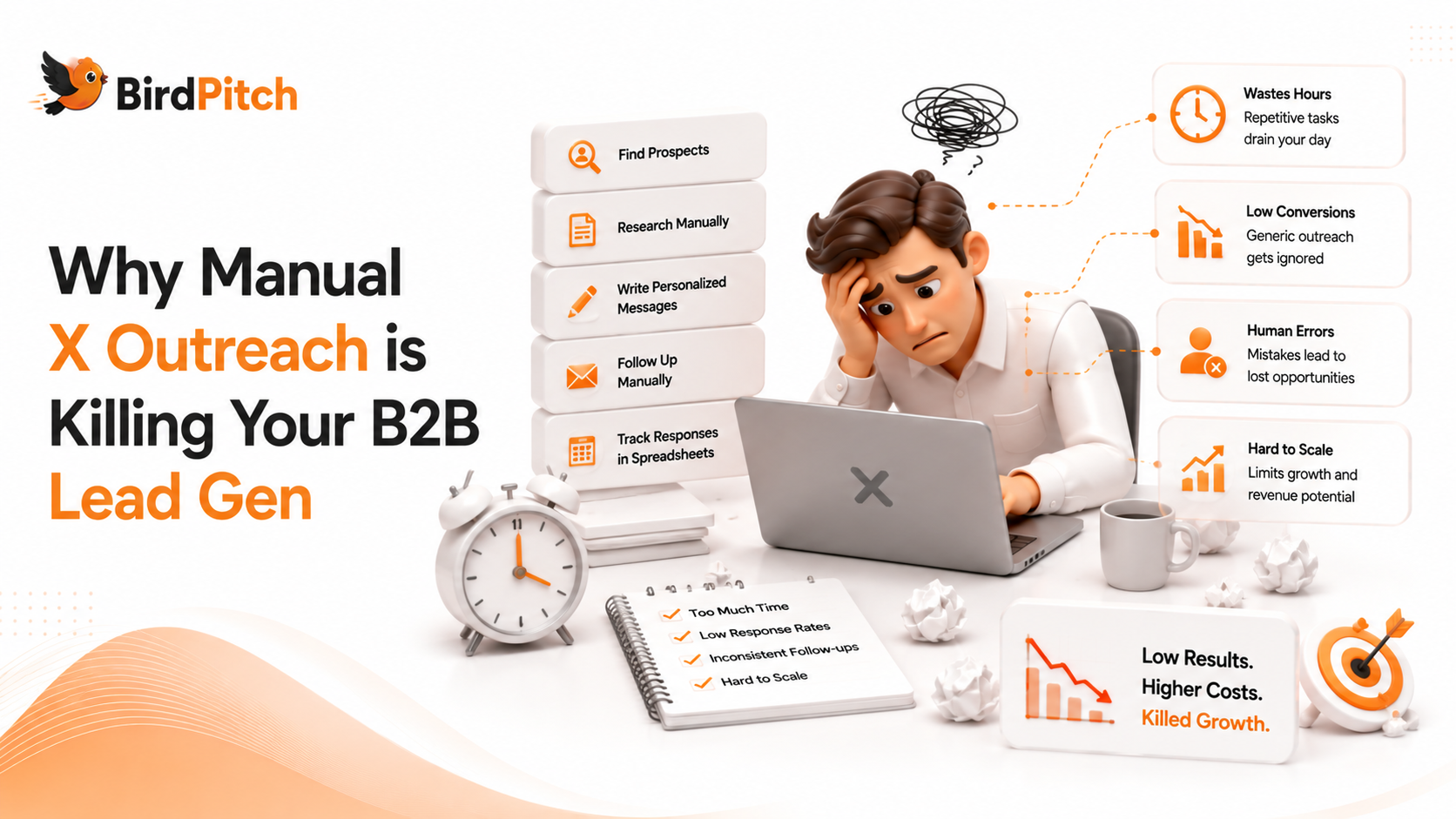
Discover why traditional Twitter engagement is becoming unsustainable for B2B marketers and what the future of social selling looks like in 2026.
B2B marketers are leaving millions in pipeline revenue on the table—because they’re still manually scrolling X (Twitter) to find leads. A 2025 HubSpot study found that 68% of B2B buyers now use X to research vendors, yet only 12% of marketers have automated their outreach. That gap isn’t just inefficient; it’s a competitive blind spot. If you’re still copy-pasting replies or relying on memory to track conversations, you’re not just wasting time—you’re missing the modern playbook for turning X into a predictable lead engine.
Introduction
Manual X outreach isn’t just tedious—it’s a systemic failure for B2B marketers in 2026. The platform’s real-time nature demands speed, but human limitations create three critical bottlenecks:
1. Volume vs. Precision: X’s firehose of conversations means you’ll miss 90% of relevant opportunities if you’re not using keyword filters. A Salesforce report revealed that B2B buyers engage with 3-5 vendors before making a decision, yet manual searches often catch only the loudest voices, not the most qualified leads. 2. Response Time: Data from LeadIQ shows that responding to a prospect within 5 minutes increases conversion rates by 9x. Manual outreach can’t compete—by the time you craft a reply, the thread has moved on or the buyer has disengaged. 3. Scalability: Even a well-organized spreadsheet of X leads becomes unmanageable at scale. Growth teams hit a ceiling where adding more profiles or keywords requires hiring more staff, not working smarter.
The solution isn’t to abandon X—it’s to automate the grunt work so you can focus on high-value engagement. Tools like BirdPitch (which we’ll reference later) exemplify this shift, but the principles apply to any B2B marketer. Let’s break down why manual outreach fails and how to fix it.
---
Key Strategies to Replace Manual X Outreach
1. Keyword-Driven Discovery
Manual browsing relies on luck; automated discovery relies on intent. Start by mapping your ideal customer’s pain points to X search queries. For example:
A SaaS founder selling AI-powered customer support might track: "frustrated with Zendesk", "looking for AI chatbot", or "customer service automation tools".
A B2B sales team targeting e-commerce brands could monitor: "Shopify store scaling issues", "best ERP for DTC", or "inventory management problems".
Pro Tip: Use Boolean operators to refine searches. Combine "struggling with" + "[your competitor’s name]" to find users actively dissatisfied with alternatives. Tools like BirdPitch’s AI-powered tweet discovery can surface these conversations in real time, but even free tools like X’s advanced search or TweetDeck can get you started.
2. Personalized, AI-Generated Replies
Generic replies like "Great thread! Check out our tool" get ignored. Instead, use AI to draft context-aware responses that:
Acknowledge the specific pain point: "I saw you mention [specific issue]—we’ve helped [similar company] reduce [metric] by [X]%."
Add value upfront: Share a relevant case study, template, or data point in the first reply.
End with a low-friction CTA: "Happy to share how we did it—DM me if you’d like the details."
Example: > User: "Ugh, our CRM migration is a nightmare. Salesforce support is useless." > AI Reply: "I hear this a lot—especially with Salesforce’s recent pricing changes. We helped [Company X] migrate 10K contacts in 48 hours with zero downtime. Here’s how: [link to case study]. Happy to walk you through it if you’re stuck!"
3. Automated Follow-Ups
Manual outreach often stops at the first reply. But 80% of sales require 5+ follow-ups (source: Marketing Donut). Set up sequences that:
Day 1: Initial reply (personalized).
Day 3: Share a relevant resource (e.g., "Here’s a template for [pain point]—let me know if it helps!").
Day 7: Soft CTA (e.g., "Circling back—did the template work for you?").
Caution: Avoid sounding robotic. Use AI to draft replies, but always review for tone and relevance. Tools like BirdPitch’s automated reply generation can handle the heavy lifting, but human oversight ensures authenticity.
4. Multi-Profile Management
B2B brands often need to engage from multiple accounts (e.g., a founder’s personal profile, a company page, and a sales rep’s handle). Manual switching between profiles is a time sink. Instead:
Use a tool that supports multi-profile OAuth integration (like BirdPitch) to manage replies from one dashboard.
Assign roles: Have your founder handle high-touch conversations, while sales reps focus on volume outreach.
Track performance: Measure reply rates and conversions by profile to double down on what works.
---
Step-by-Step Guide to Automating X Outreach
Step 1: Audit Your Current Process
Before automating, identify where manual outreach is failing. Ask:
How many hours/week do you spend on X?
What’s your average response time to leads?
What’s your reply-to-conversion rate?
Example: If you’re spending 10 hours/week on X but only converting 2% of replies to demos, automation could 5x your efficiency.
Step 2: Build Your Keyword Library
Create a spreadsheet with three columns: 1. Pain Points: The problems your product solves (e.g., "slow customer support"). 2. Keywords: X search queries (e.g., "customer service is slow", "need faster support"). 3. Competitor Keywords: Terms like "Zendesk alternatives" or "better than Intercom".
Pro Tip: Use X’s "Saved Searches" feature to test keywords before automating. Refine based on which queries surface the most engaged prospects.
Step 3: Set Up Automated Discovery
Use a tool (or a combination of tools) to:
Crawl X in real time: Schedule recurring searches (e.g., every 2 hours) to catch new conversations.
Filter by engagement: Prioritize tweets with 5+ replies or 50+ likes—they’re more likely to be active discussions.
Exclude noise: Block terms like "job", "hiring", or "intern" to avoid irrelevant threads.
Example Workflow: 1. BirdPitch runs a search for "looking for CRM" every 6 hours. 2. It filters for tweets with 3+ replies and excludes job-related posts. 3. It surfaces 15 new leads/day, which you review in a dashboard.
Step 4: Craft AI-Powered Replies
For each keyword, create a reply template with:
Personalization tokens: [User’s handle], [specific pain point], [relevant metric].
Value-add: A link to a case study, blog post, or template.
CTA: A low-friction ask (e.g., "DM me if you’d like the details").
Template Example: > "Hey [@handle], I saw you mention [pain point]—we’ve helped [similar company] [achieve result] by [solution]. Here’s how: [link]. Happy to share more if it’s helpful!"
Step 5: Automate Follow-Ups
Set up a sequence with:
Trigger: First reply sent.
Delay: 3 days (for resource share), 7 days (for soft CTA).
Exit Condition: If the user replies, pause the sequence.
Example Sequence: 1. Day 1: Initial reply (personalized). 2. Day 3: "Here’s a template for [pain point]—let me know if it’s useful!" 3. Day 7: "Circling back—did the template help?"
Step 6: Measure and Optimize
Track these KPIs:
Reply Rate: % of leads who respond to your first message.
Conversion Rate: % of replies that turn into demos/meetings.
Time Saved: Hours/week reclaimed from manual outreach.
Optimization Tips:
A/B test reply templates (e.g., data-driven vs. story-driven).
Double down on high-performing keywords.
Adjust follow-up timing based on engagement data.
---
Common Mistakes That Sabotage Automated X Outreach
1. Over-Automating Engagement
Mistake: Letting AI handle 100% of replies, leading to robotic or irrelevant responses. Fix: Use AI for drafting, but review replies before sending. Add a human touch—e.g., a joke, a personal anecdote, or a question tailored to the thread.
Example: > AI Draft: "We’ve helped 500+ companies with [pain point]." > Human Edit: "We’ve helped 500+ companies with this—though I’ll admit, our first migration was a disaster! What’s your biggest blocker right now?"
2. Ignoring Thread Context
Mistake: Replying to a tweet without reading the full thread, leading to tone-deaf responses. Fix: Always skim the thread before replying. Look for:
The user’s role (e.g., founder vs. intern).
Their sentiment (frustrated vs. curious).
Existing solutions mentioned (e.g., if they’re already using a competitor).
Example: > Tweet: "Just switched to [Competitor] and it’s a mess." > Bad Reply: "Try our tool—it’s better!" > Good Reply: "Ugh, [Competitor] can be so clunky. We’ve helped teams migrate from them—here’s how we avoid their biggest pitfalls: [link]."
3. Spamming Low-Intent Leads
Mistake: Engaging with every mention of your keyword, even if the user isn’t a fit. Fix: Qualify leads before replying. Look for:
Explicit intent: Phrases like "looking for", "need a", or "recommendations for".
Company fit: Check their bio/profile for relevant industries or roles.
Recent activity: Prioritize users who’ve tweeted in the last 24 hours.
Example: > Tweet: "CRM tools are overrated." > Skip This: Not a lead—no intent. > Tweet: "Looking for a CRM that integrates with Shopify—any recommendations?" > Engage This: High-intent lead.
4. Neglecting Multi-Channel Follow-Up
Mistake: Relying solely on X for follow-ups, missing opportunities to connect elsewhere. Fix: Combine X outreach with:
LinkedIn: Send a connection request with a note referencing the X thread.
Email: If the user’s email is public, send a short follow-up.
Cold DMs: If they don’t reply on X, try a direct message with a different angle.
Example Workflow: 1. X reply: "Happy to share how we solved this—DM me if you’d like the details." 2. LinkedIn: "Hey [Name], saw your tweet about [pain point]—here’s a case study that might help: [link]." 3. Email: "Hi [Name], I noticed you’re exploring [solution] on X. We’ve helped [similar company] with this—here’s how: [link]."
5. Failing to Track Performance
Mistake: Not measuring which keywords, replies, or follow-ups drive conversions. Fix: Use a simple spreadsheet or tool to track:
Keyword Performance: Which queries generate the most replies?
Reply Templates: Which messaging converts best?
Follow-Up Sequences: Which timing works best (e.g., 3 days vs. 7 days)?
Example: | Keyword | Replies | Conversions | Conversion Rate | |-----------------------|---------|-------------|-----------------| | "Zendesk alternatives"| 50 | 5 | 10% | | "best CRM for SaaS" | 30 | 2 | 6.7% |
---
Conclusion & Next Steps
Manual X outreach isn’t just inefficient—it’s a strategic liability in 2026. The B2B buyers you’re trying to reach are already on X, but if you’re not engaging them at scale, your competitors will. The key isn’t to work harder; it’s to work smarter by automating the discovery, personalization, and follow-up that turn conversations into pipeline.
Start small: 1. Audit your current process to identify bottlenecks. 2. Build a keyword library and test it with X’s advanced search. 3. Automate discovery with a tool like BirdPitch or a free alternative. 4. Craft AI-powered replies and refine them based on performance data.
The goal isn’t to replace human engagement—it’s to free up your time to focus on the high-value conversations that close deals. If you’re ready to turn X into a lead engine without the manual grind, BirdPitch offers a free tier to test these strategies. Give it a try and see how much time (and pipeline) you reclaim.
Writing about x outreach on the BirdPitch blog. @birdpitchx